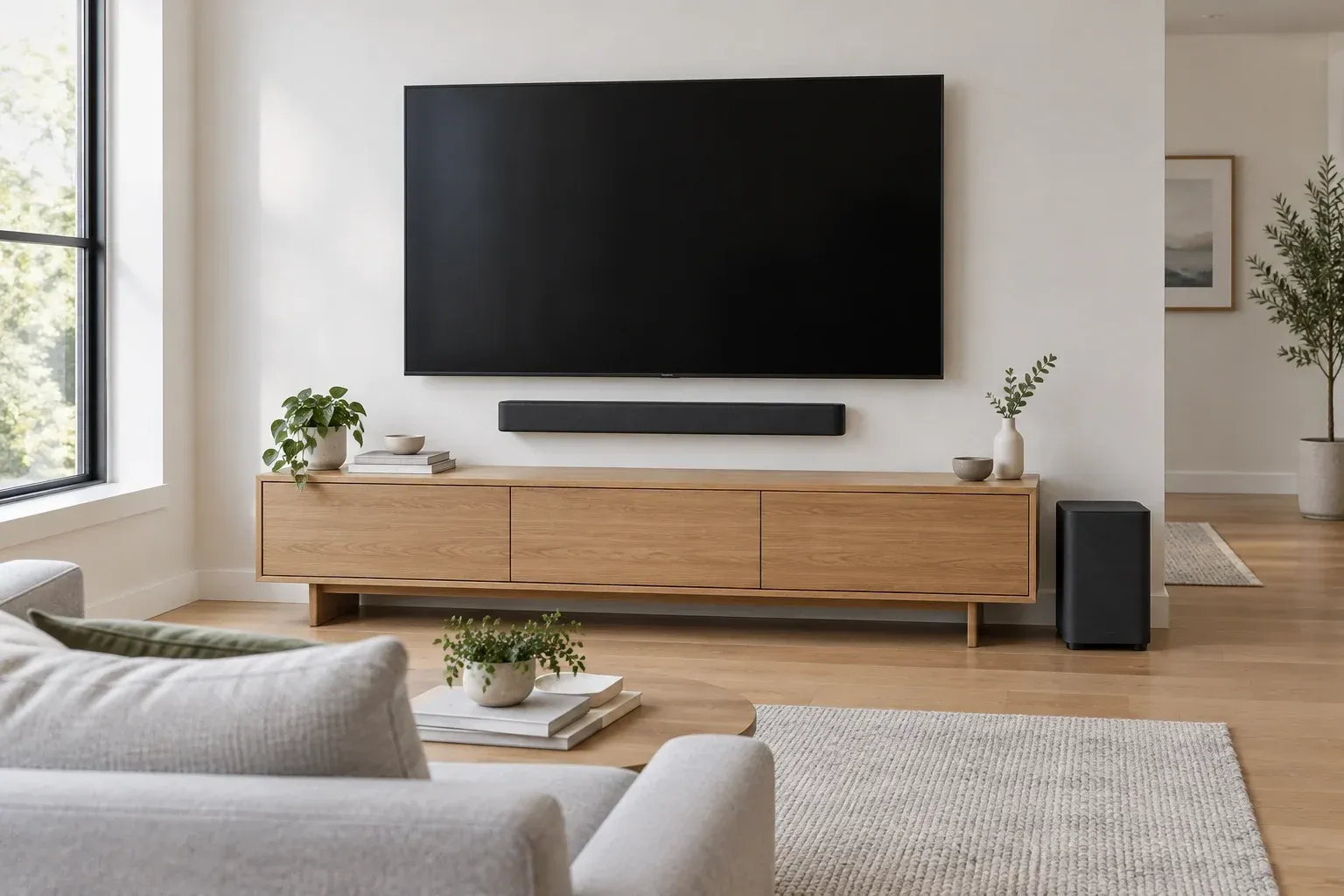
Setting Up a TV and Sound System in Your Living Room
A good living room setup is mostly about placement and a few settings. The same TV and speakers can look and sound very different depending on where they sit and how they are connected.
Begin with the seat, not the wall. Measure the distance from where you usually sit to where the screen will go. A common rule of thumb for 4K TVs is a viewing distance of about one to one and a half times the screen's diagonal, so a 65-inch TV suits a seat roughly 5½ to 8 feet away. Sitting farther back is comfortable but makes the extra detail of 4K harder to see; sitting much closer can make you turn your head to follow the action.
Height matters as much as distance. The center of the screen should be close to eye level when you are seated, which for most sofas is around 40 to 42 inches from the floor. Mounting a TV high above a fireplace forces you to look up for long stretches and is best avoided if there is another option. If you wall-mount, use a mount rated for the TV's weight and screw it into studs or with anchors suited to the wall.
Light is the next thing to plan. Windows directly across from the screen will reflect in it during the day, and a window behind the TV makes the picture look washed out against the bright glass. A wall perpendicular to the windows usually works best. If that is not possible, curtains or blinds make a bigger difference than any picture setting.
For sound, a soundbar is the simplest upgrade over built-in TV speakers. Center it below the screen, keep it from blocking the TV's remote sensor, and pull it to the front edge of the console so the sound is not bouncing off the shelf. A separate subwoofer can go almost anywhere along the front of the room, since low bass is hard to locate by ear; a spot near a corner gives more bass, and a spot farther from it gives tighter bass.
Connect the soundbar with HDMI to the port on the TV labeled eARC or ARC. That one cable sends sound from every source plugged into the TV, including built-in streaming apps, down to the soundbar. eARC has much more bandwidth than the older ARC and can carry lossless multichannel and object-based surround formats; ARC is limited to compressed surround. Turn on HDMI-CEC in the TV settings, which manufacturers often list under their own name, so the TV remote controls the soundbar's volume and both power on together. Then set the TV's audio output to the soundbar or external speakers.
Plug streaming devices and game consoles into the TV's other HDMI ports. If you play games, check which ports support the highest refresh rates; on many TVs only some of them do. Use cables rated for the bandwidth you need, such as Ultra High Speed HDMI cables for 4K at 120 Hz.
Last, adjust the picture. Most TVs leave the factory in a bright, vivid mode meant for store shelves. Switching to the movie or cinema picture mode gives more accurate color, and turning off motion smoothing removes the overly smooth look that many people notice on films. Run the soundbar's room calibration if it has one, set the dialogue or voice mode for news and talk shows, and the room is ready for movie night.


